User guide
This guide describes the daily use of Mailr: reading and writing mail, keeping the inbox in order, the calendar and tasks, and Ambrose. The examples follow Alex Rivera, a design lead at Northwind Studio, who reads a work account, a personal account and a clinic board mailbox in one place.
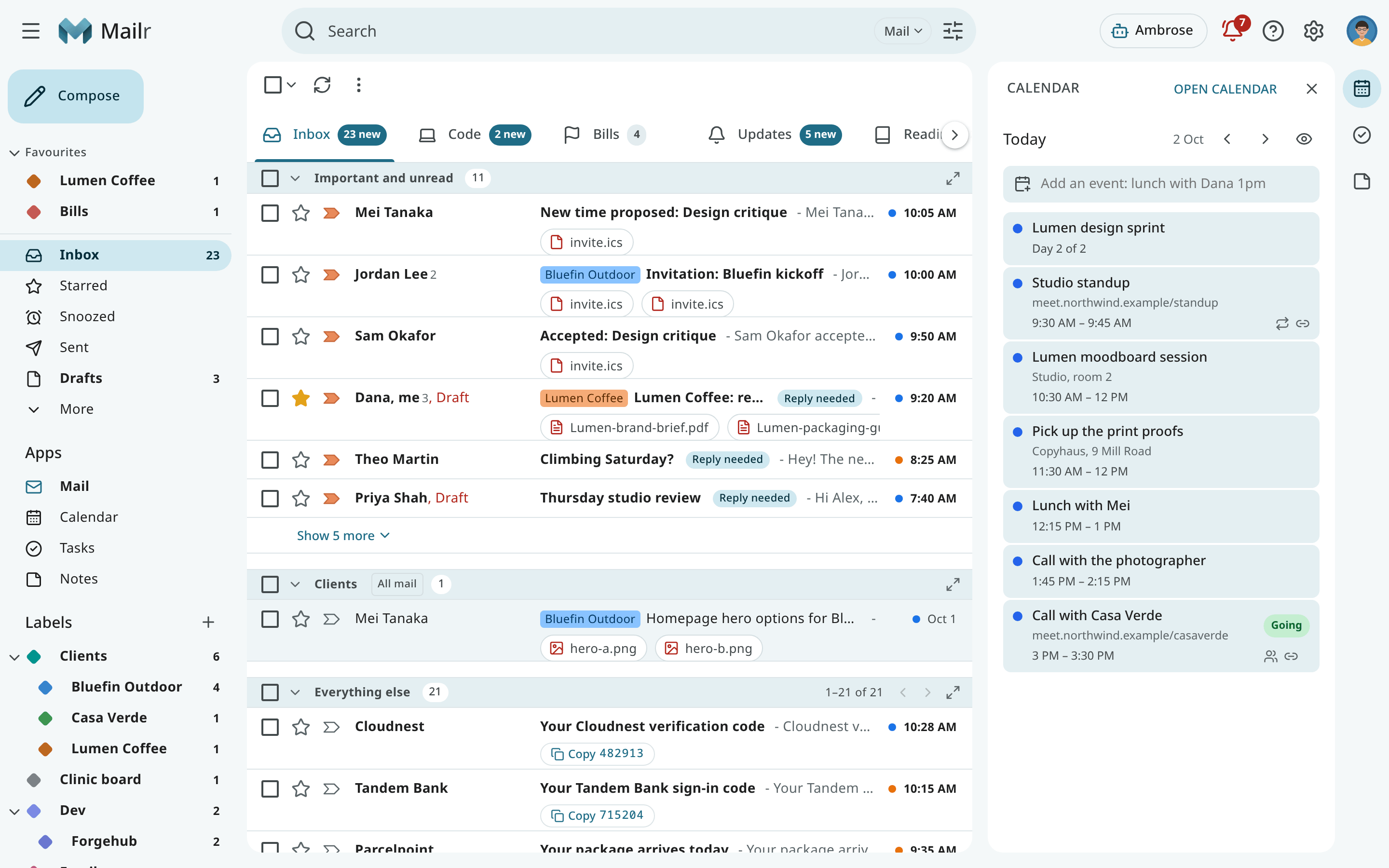
Help inside Mailr
In Mailr, choose Help in the ? menu or in your account menu to open this guide in a new tab.
Mail
| Page | Topics |
|---|---|
| The inbox | The mail list, the navigation, selecting and acting on conversations, undo. |
| Tabs and layouts | Inbox types, custom tabs and sections, reading a tab with sections, tab indicators, section actions. |
| Reading mail | The conversation view, images and trackers, translation, reply suggestions, attachments. |
| Writing mail | Compose, replies, signatures, inline images, templates, undo send, scheduled send, the away message. |
| Make Mailr your email app | Opening mailto: links on websites and in other apps with Mailr. |
| Search | The search box, operators, advanced search, finding mail by meaning. |
| Labels, filters and favourites | Labels and nesting, filters, blocked senders, favourites in the navigation. |
| Subscriptions and cleanup | Newsletters and offers by sender, unsubscribing, clearing out old mail in bulk. |
| Triage signals and importance | Categories, importance and the review queue, VIP senders, spam, Reply needed, deadlines, one-tap actions. |
| The Screener | Holding mail from first-time senders until they are allowed or blocked. |
| Snooze, follow-ups and reminders | Snoozing mail, "remind me if nobody replies", reminders and their actions. |
| Waiting for you | The bell: approvals, messages not sent, and reminders. |
Calendar and tasks
| Page | Topics |
|---|---|
| Calendar | Views, events, guests, meeting prep, finding a free time, search. |
| Calendar sharing and import | The Mailr calendar, sharing, connecting a CalDAV account, .ics import, calendar links, moving calendars. |
| Calendar on phones and computers | Calendars, task lists and contacts in the apps on iPhone, Mac, Android and Thunderbird. |
| Invitations | Answering invitations, updates and cancellations, proposed new times. |
| Tasks | Lists, subtasks, repeating tasks, tags, priorities, bulk changes. |
| Quick add | Typing an event or task in one line: "Lunch with Dana fri 12:30 at Café Luna". |
Notes and tables
| Page | Topics |
|---|---|
| Notes and checklists | Keep-style notes and lists, sections, quantities, usual items, labels, version history. |
| Tables | Small typed lists such as a workout log or an inventory, with columns, a row form and views. |
Ambrose, the assistant
| Page | Topics |
|---|---|
| Ask Ambrose | The chat, Ask about what is open, chats, commands, cleaning up a whole view, dictation, Help me write. |
| Standing orders and briefs | Instructions Ambrose follows on new mail or on a schedule, and the briefs it leaves. |
| Trusted addresses | Forwarding mail from accounts outside Mailr with a note for Ambrose. |
| Approvals | The approval card for sending, deleting and changing rules, and its defaults. |
People and recordings
| Page | Topics |
|---|---|
| People & groups | Correspondent profiles, contact groups, address books. |
| Recordings (Speakr) | Meeting recordings next to the related mail and events. |
Account and devices
| Page | Topics |
|---|---|
| Settings | The settings groups, region, password and devices, two-factor sign-in. |
| Styles and appearance | Classic, Workspace, Focus, Desk and Cards, light and dark, density. |
| Notifications | Desktop notifications for new mail and reminders, push to a closed browser. |
| Activity | Recent changes in your account, with Undo. |
| The web app on your phone | Mailr added to a phone's home screen: tab bar, swipes, notifications, offline use. |
| Keyboard shortcuts | How shortcuts work, and the command palette. |
The keys for every app are in the shortcut reference; press
? in Mailr to see the keys of the app you are in.
The phone app has its own section: Android app.