Mailr
Self-hosted webmail with a mail store, calendar, tasks, notes and an AI assistant.
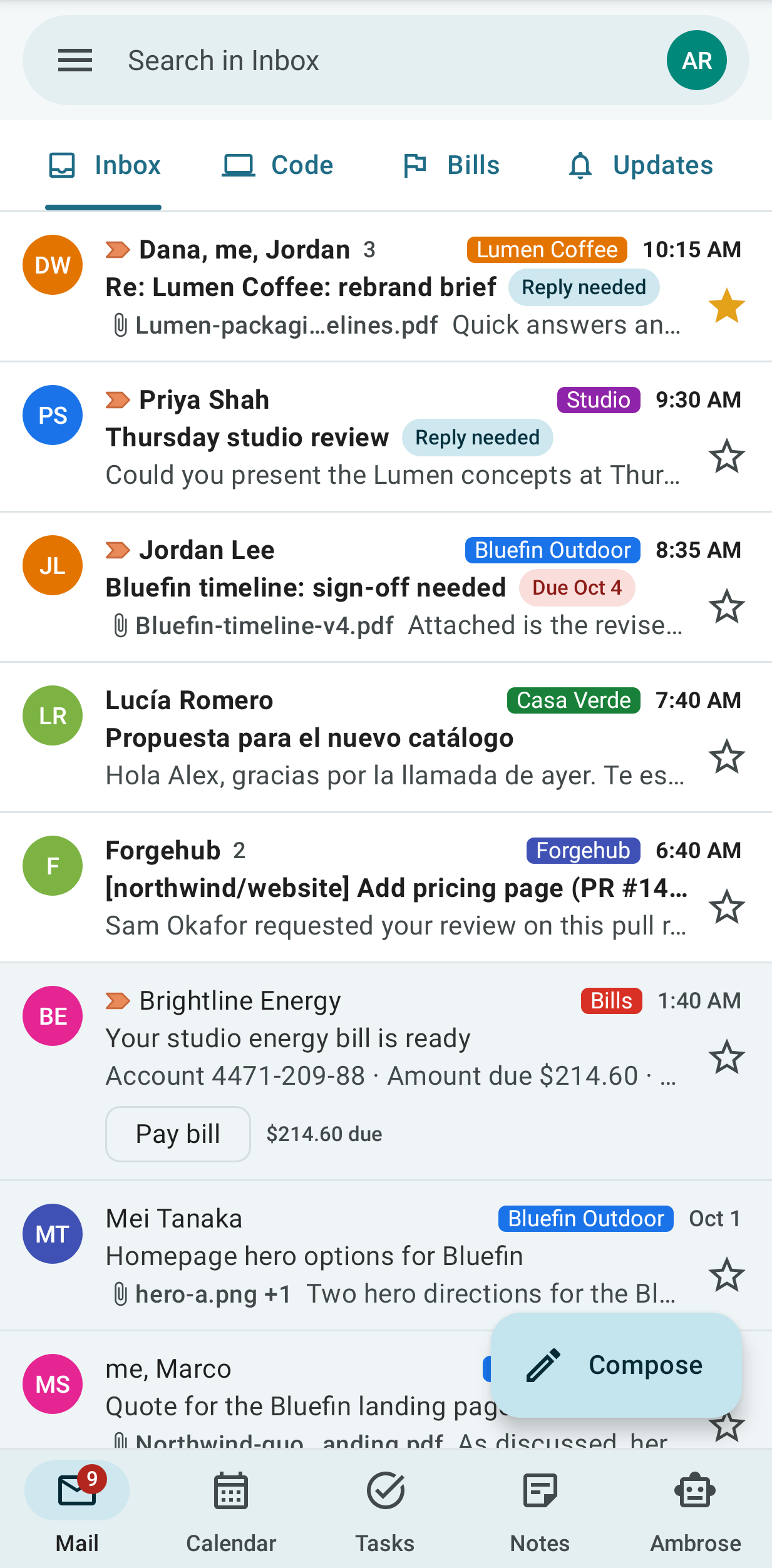
Mailr is a webmail application for hosting your mail inbox and mail storage on your own server. Mail accounts from one or more providers are connected over IMAP and SMTP, and a copy of the mail from each account is kept in the Mailr mail store. Mail can be read and written in a web browser or in the Android app, and the stored mail can also be read by other mail applications over IMAP.
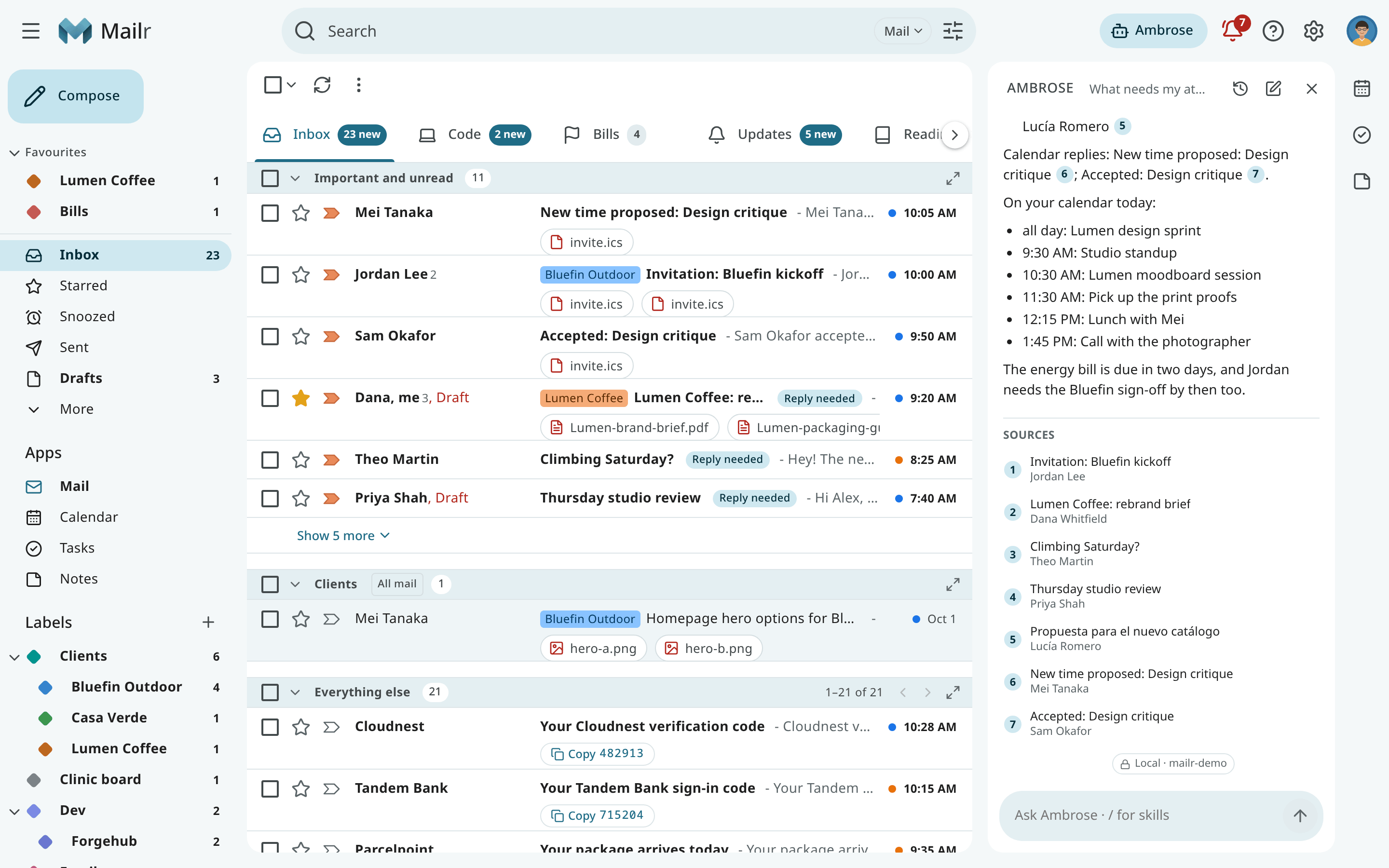
Mailr also includes a calendar, task lists, notes and an AI assistant named Ambrose. Ambrose works as a personal assistant across your mail, calendar, tasks and notes. Ambrose can find messages and events, compile summaries, draft replies and clean up the inbox. Sending, deleting and rule changes are held for your approval. Mailr offers a wider range of customization and AI assistance than most webmail applications, and the language and embedding models used by Ambrose and by search can be run on your own hardware.
Install Mailr I have an account Tour the user guide
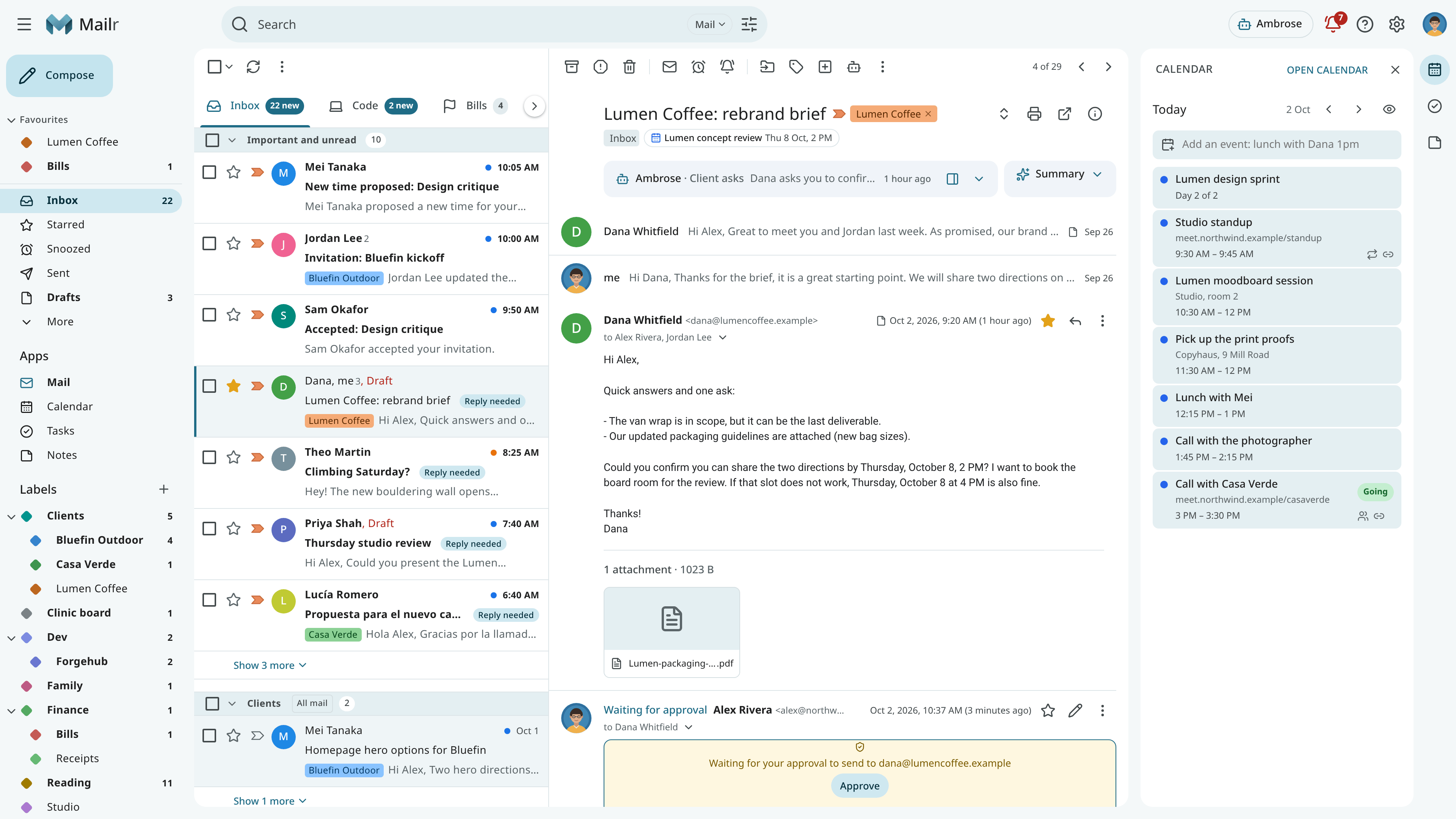
Main differences
- Your mail accounts stay with your providers. Accounts from several providers can be connected, such as a personal Gmail address, a work account or an address on your own domain. Mail for each address is still received and sent by the provider of that address, and a copy of the mail is kept in Mailr. With the mode "Mailr keeps the mail", the copy in Mailr becomes the long-term home of an account's mail.
- Approvals for sending, deleting and rule changes. When Ambrose or an agent with an API token sends mail, deletes something or changes a rule, the action is held on an approval card on the web or on the phone. Each default can be changed under Approvals.
- Models are optional. Mailr can be used without a language model. When models are connected, you can set which mail may be sent to which model. Mail in a local-only account is not sent to a hosted model.
Quick start
You need a Linux host with Docker, Docker Compose v2 and BuildKit (the buildx plugin), and at
least one existing mail account. The full list is under
System requirements.
git clone https://github.com/murtaza-nasir/mailr.git
cd mailr/deploy
cp .env.example .env
openssl rand -base64 32    # run twice: MAILR_SECRET_KEY and MAILR_SESSION_SECRET
nano .env                  # MAILR_BASE_URL, the secrets, the passwords, the first admin
docker compose up -d
Place a TLS reverse proxy in front of port 8025. For a local test, set
MAILR_BASE_URL=http://localhost:8025 instead. Then open the address set in MAILR_BASE_URL, sign
in as the first admin, and add a mail account under Settings → Mail → Mail accounts. Each step
is explained in Install with Docker Compose. The reverse proxy, single
sign-on, models and backups are described in the Admin guide.
Features
-
Mail storage and import
IMAP accounts can be connected, and Gmail accounts can be imported with their labels and threads. Mail archives in mbox and Maildir format can be imported through the API. The stored mail can be read by other mail applications over IMAP.
-
Mail client
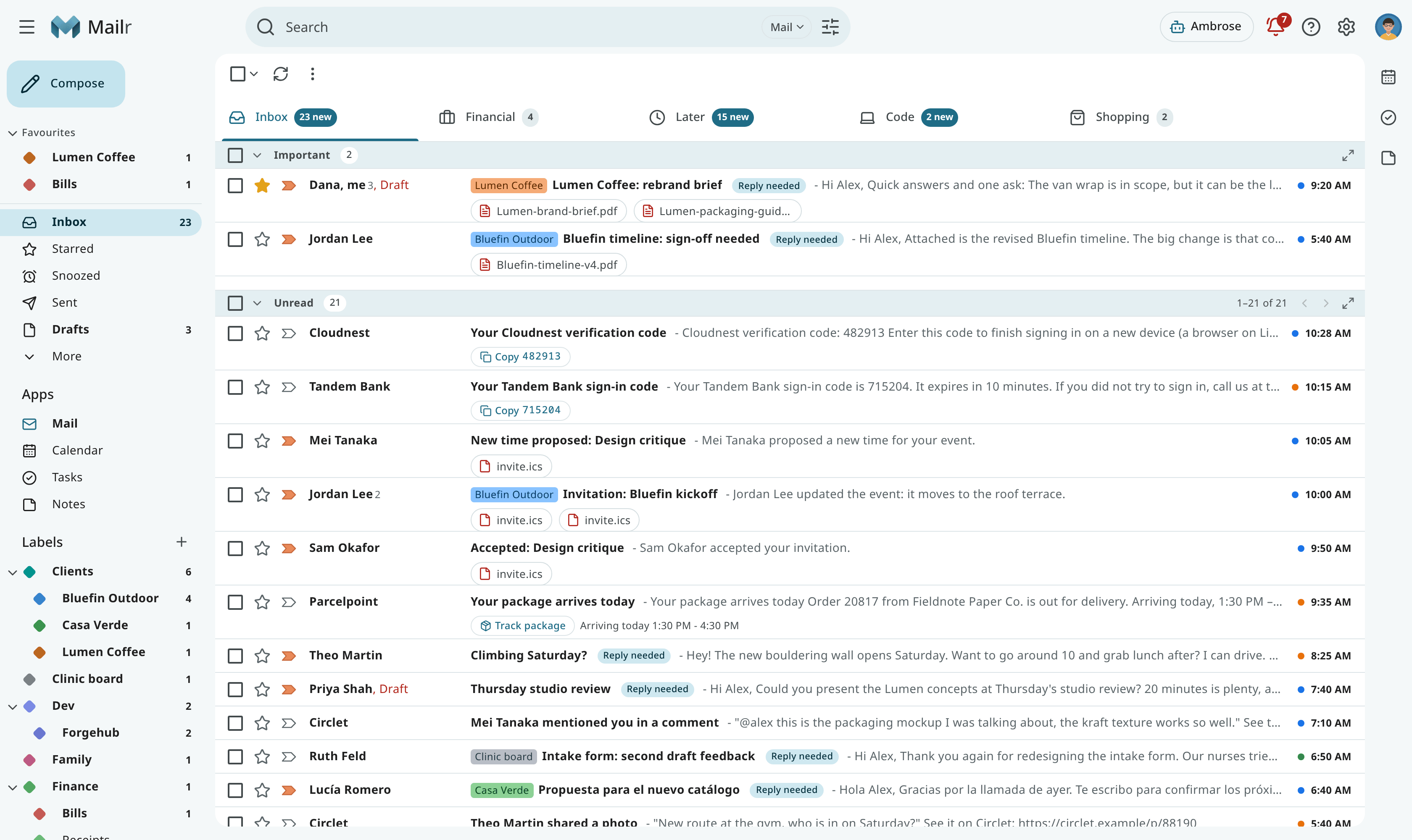
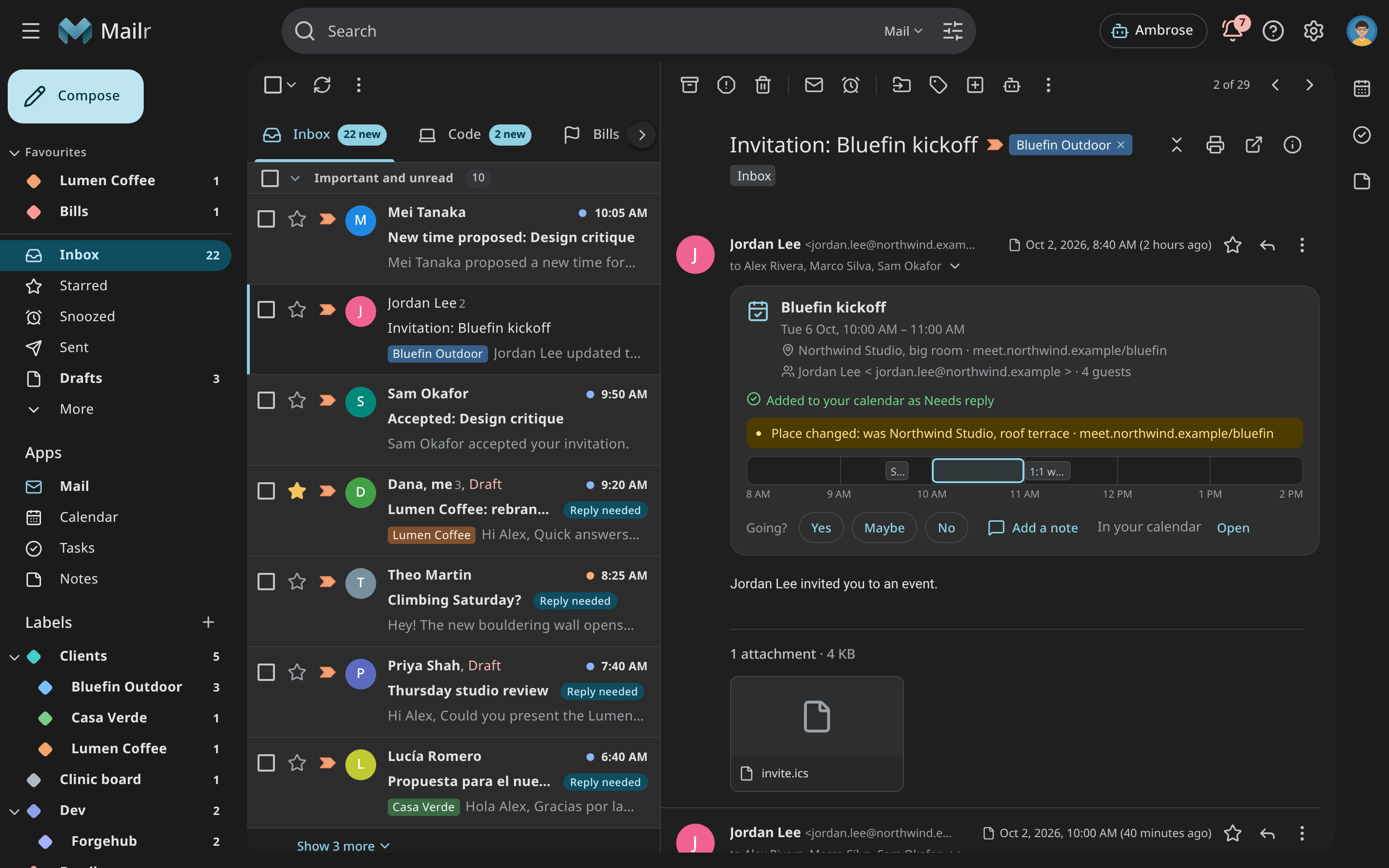
Mail is shown as conversations and can be organized with labels, categories, custom inbox sections and tabs. Messages can be snoozed, given follow-up reminders or recalled with undo send. Five interface styles are available, each in a light and a dark theme.
-
Calendar and tasks
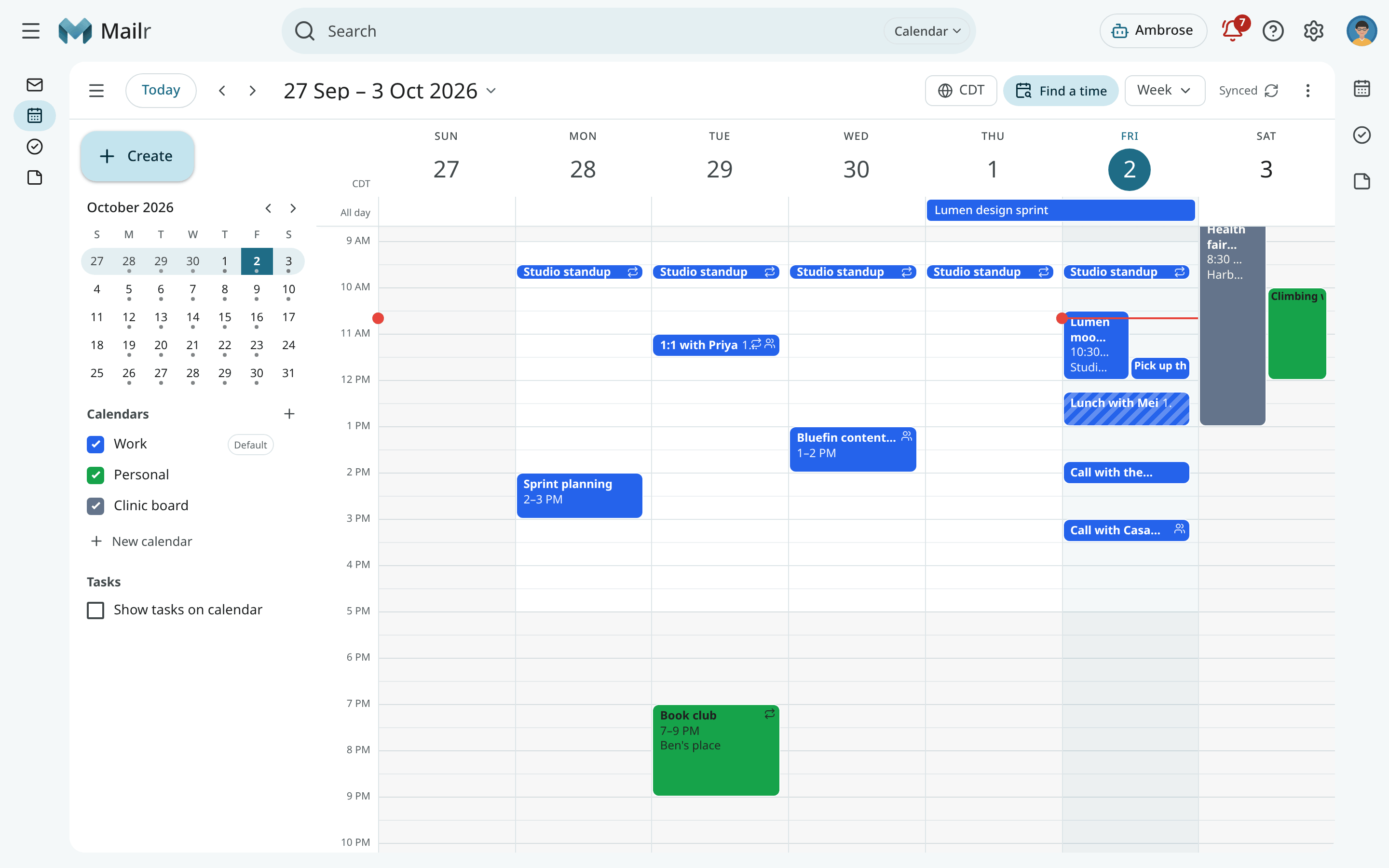
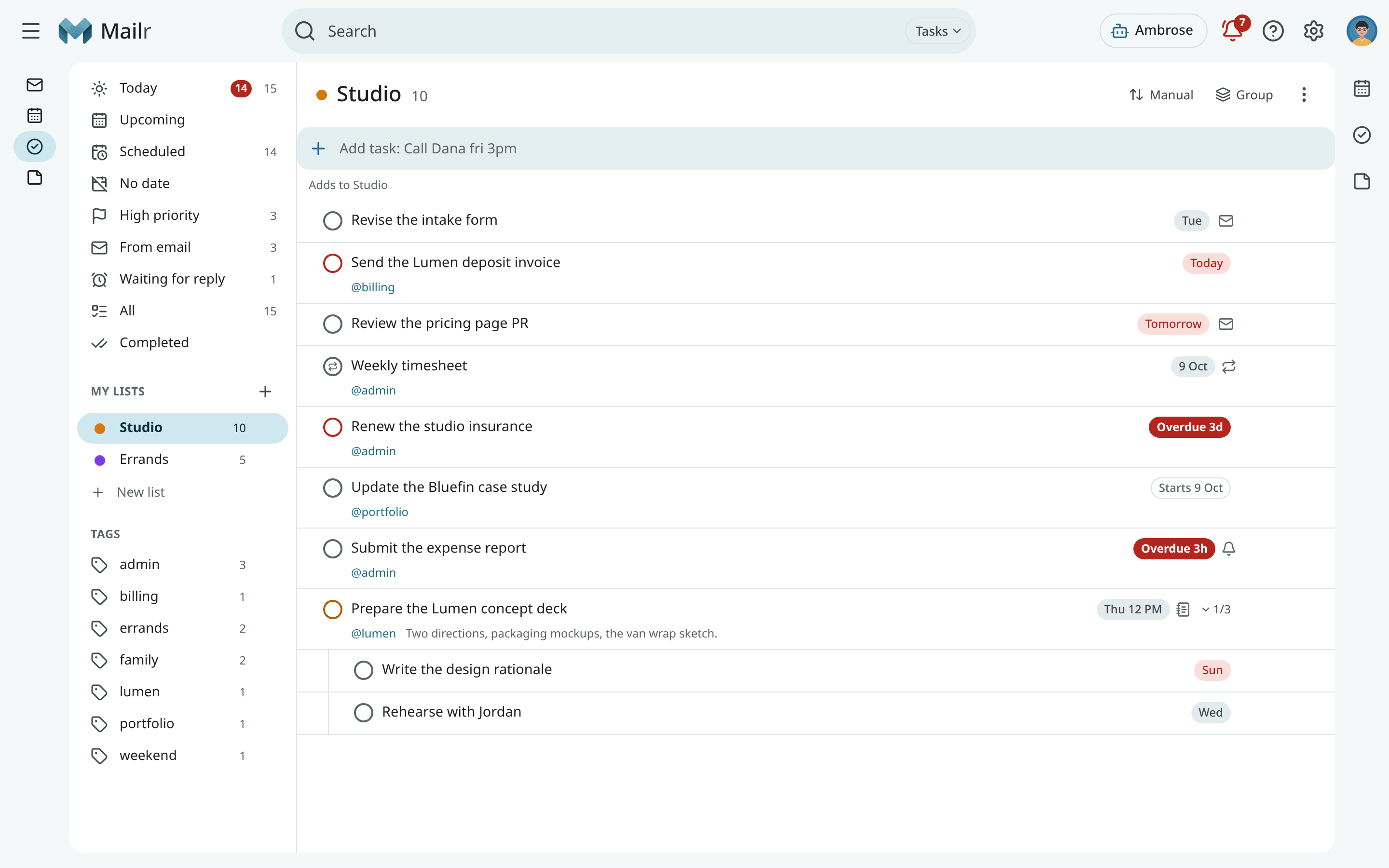
Calendars can be kept in Mailr or on a CalDAV server, and invitations can be answered from the message. Events and tasks can be created from an email or from one line of text, such as
Lunch with Dana fri 12:30. -
Ambrose, the assistant
Questions about your mail, calendar and tasks can be asked in the Ambrose panel. Ambrose can also take dictation, follow standing orders and review a view of mail with
/sweep. Sending, deleting and rule changes are held for your approval. -
Local-only accounts
Accounts can be marked as local-only. Mail from a local-only account is not sent to a hosted model or to an agent that uses a hosted model.
-
Agents and the API
The web app, the Android app, Ambrose and external agents use the same API. MCP clients are connected with a scoped token.
Screenshots
Speakr recordings
Mailr can be connected to Speakr, a self-hosted transcription and meeting-notes application. Recordings are shown beside their meetings and emails. From a recording, a follow-up email can be drafted and the action items can be added as tasks. See Recordings.
Open source
Mailr is free software under the GNU AGPLv3, with a commercial licence on request. See Licence.