Ambrose settings
Ambrose is the assistant in Speakr: the recording chat and the Ask page. For what users see, read Ambrose and Ask Ambrose. This page lists the settings that turn its parts on, the models it needs and its limits.
What each setting turns on
| Setting | Default | Effect |
|---|---|---|
A chat model (TEXT_MODEL_*, or CHAT_MODEL_*) | required | The recording chat. Without the agent, Ambrose answers from the open recording only. |
ENABLE_INQUIRE_MODE=true | false | The Ask page, the header button and the search index of the library (see Vector Store). Without the agent, Ambrose answers on the Ask page from one search of the library. |
ENABLE_INQUIRE_AGENT=true | false | The agent, which needs ENABLE_INQUIRE_MODE=true as well. On the Ask page, Ambrose searches and reads in steps. In the recording chat, Ambrose gets the library tools and can look at other recordings when a question needs them. |
ENABLE_INCOGNITO_MODE=true | false | Incognito recordings and their chat. Ambrose answers from the incognito transcript only, without tools, and nothing is stored. |
The tools of the agent are listed in What Ambrose can search. Each place gets its own set:
| Place | Tools |
|---|---|
| Ask page | all tools |
| Recording chat | the library tools: search by text and by meaning, list recordings, similar recordings, read transcripts, recording details, summaries and notes |
| Incognito recording | none |
Summaries and notes are offered only to users who allow them under What Ambrose can read in their account.
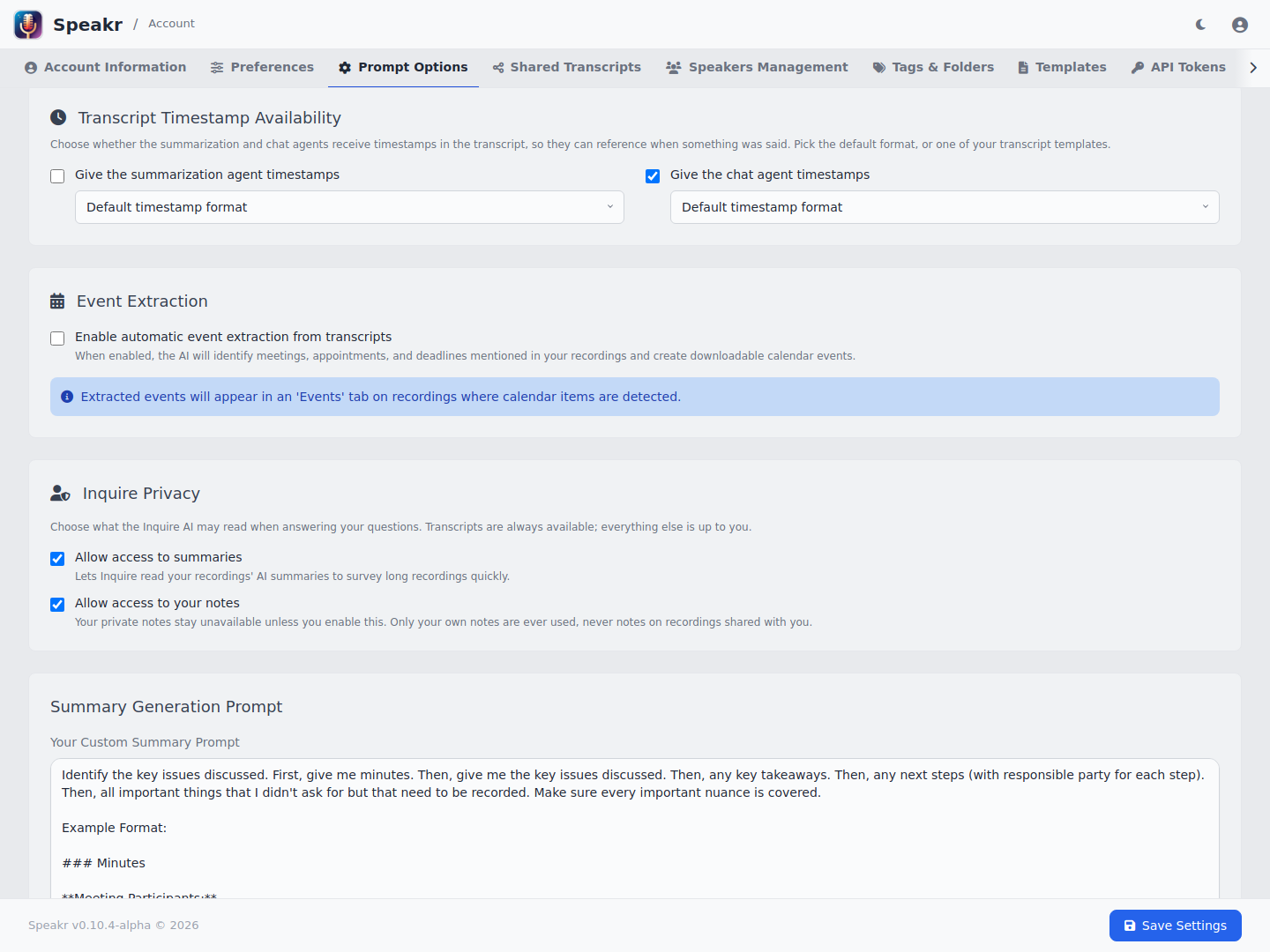
The defaults for new users:
# Defaults for the "What Ambrose can read" toggles (transcripts are always available)
INQUIRE_DEFAULT_ALLOW_SUMMARIES=true
INQUIRE_DEFAULT_ALLOW_NOTES=false
With every tool, Ambrose can read only the recordings the user can open. On the Ask page, the user's filters are an upper limit as well. A disabled content type is left out of the tool list entirely.
Model requirements
- Chat model. The recording chat and the agent use the chat model. Set
CHAT_MODEL_*for a model separate from the one for summaries (see Separate Chat Model Configuration). Each answer may use up toCHAT_MAX_TOKENSoutput tokens. Raise it for reasoning models, whose hidden reasoning counts toward the limit. - Tool calling. The agent works with any OpenAI-compatible endpoint.
INQUIRE_AGENT_TOOL_MODEsets how tools are called:auto(default): native tool calls when the endpoint supports them, else a prompted protocol. The check is made once per model and process.native: native tool calls only.prompt: the prompted protocol only, for endpoints without tool calls.
- Context window. In the recording chat, the whole transcript is in the prompt, up to the Transcript Length Limit in System Settings (30,000 characters by default,
-1for no limit). With the agent on, Ambrose reads the rest of a longer transcript with its transcript tool. Choose a model whose context window holds the limit, the conversation and the tool results. - Embeddings. Search by meaning needs an embedding model, local or through an API (see Configurable Embedding Model). Without one, keyword search is used.
If the agent fails on a question, the answer comes from the path without the agent: the open recording in the recording chat, one search of the library on the Ask page. When the endpoint rejects native tool calls in auto mode, Ambrose answers again without tools in the recording chat and switches to the prompted protocol on the Ask page.
Limits
# Tool steps per answer (default 8)
INQUIRE_AGENT_MAX_STEPS=8
# Tokens per tool result; longer results are cut and can be read page by page (default 4000)
INQUIRE_AGENT_TOOL_RESULT_TOKENS=4000
# Time per answer in seconds (default 120)
INQUIRE_AGENT_TIMEOUT_SECONDS=120
# Size of an Ask page conversation before older turns are folded into a summary (default 24000)
INQUIRE_CONTEXT_BUDGET_TOKENS=24000
The limits apply to the agent on the Ask page and in the recording chat. Other limits:
- Recording chats are kept in the browser tab, up to 20 recordings per user, and are never sent to the server for storage. Conversations on the Ask page are not stored either.
- A user's token budget applies to every answer (see User Management).
Usage tracking
Token use appears in the admin dashboard under these operation types:
| Operation | Source |
|---|---|
chat | the recording chat, with or without tools |
inquire_agent | the Ask page with the agent on |
inquire | the Ask page with the agent off |
An agent answer makes several model calls, so it uses more tokens than an answer without the agent.
Search index
The Ask page and search by meaning use an index of transcript chunks, built after transcription by its own worker.
- Diarized transcripts are cut into chunks of whole speaker turns, written as
Speaker: textlines, about 1,400 characters each, with one turn of overlap between chunks.CHUNK_TARGET_CHARSsets the size. - Each chunk has its main speaker and its start and end times, which give each citation its moment in the recording.
CHUNKING_STRATEGY=legacykeeps the older plain character windows. Chunks already in the index stay as they are until a recording is reindexed.- The default embedding model, all-MiniLM-L6-v2, runs on a CPU and was trained mostly on English. For other languages, choose a multilingual model, such as
paraphrase-multilingual-MiniLM-L12-v2, or an API model, such asopenai/text-embedding-3-large. - Vectors from different models cannot be compared. After a change of
EMBEDDING_MODELorEMBEDDING_BASE_URL, re-embed the library from the Vector Store tab.